Blog/ Clients
Ask clients for documents and get them back on the file
“Please send us a copy of the indenture” is one of the most common sentences in legal practice. Now it’s a feature.
Requests that don’t get lost
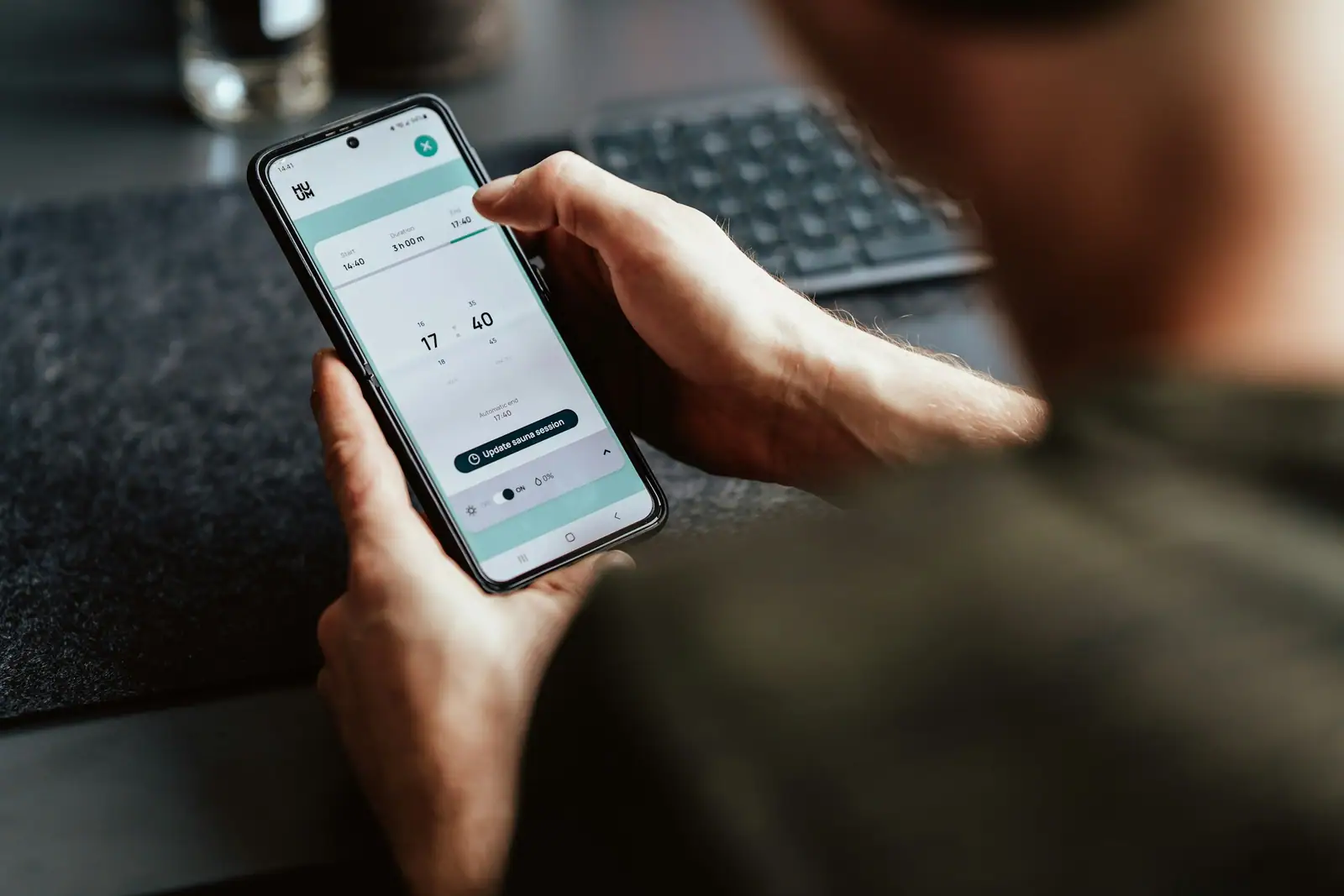
Anyone on a matter’s case team can create a document request: what they need, why, and by when. The client sees it in the client portal and uploads documents, photos, audio or video straight against the request. The upload lands on the matter, visible to the team, with the request marked complete.
Clients get an email reminder, and only a reminder. We deliberately don’t send upload links by email: the client answers signed in, in the app, so there is never a public page where someone else could drop a file onto your matter. If the client doesn’t have a login yet, the request dialog offers to invite them.
Transcripts for recordings
Clients often send voice notes or recordings of meetings. Firms can have audio and video transcribed onto the matter, including large video files, so the content becomes searchable and quotable like any other document.